Sometime, I wonder about why MS is so stupid. Why not pay budgets to carry out mimic apps and functions from Apple or Android. Finally, Microsoft is aware to copy right things from competitors and really completes many improvements on WP8.
- Take a screenshot: press "lock/power" and "windows home" buttons at the same time. The image is stored in "PHOTOS\albums\screenshots".
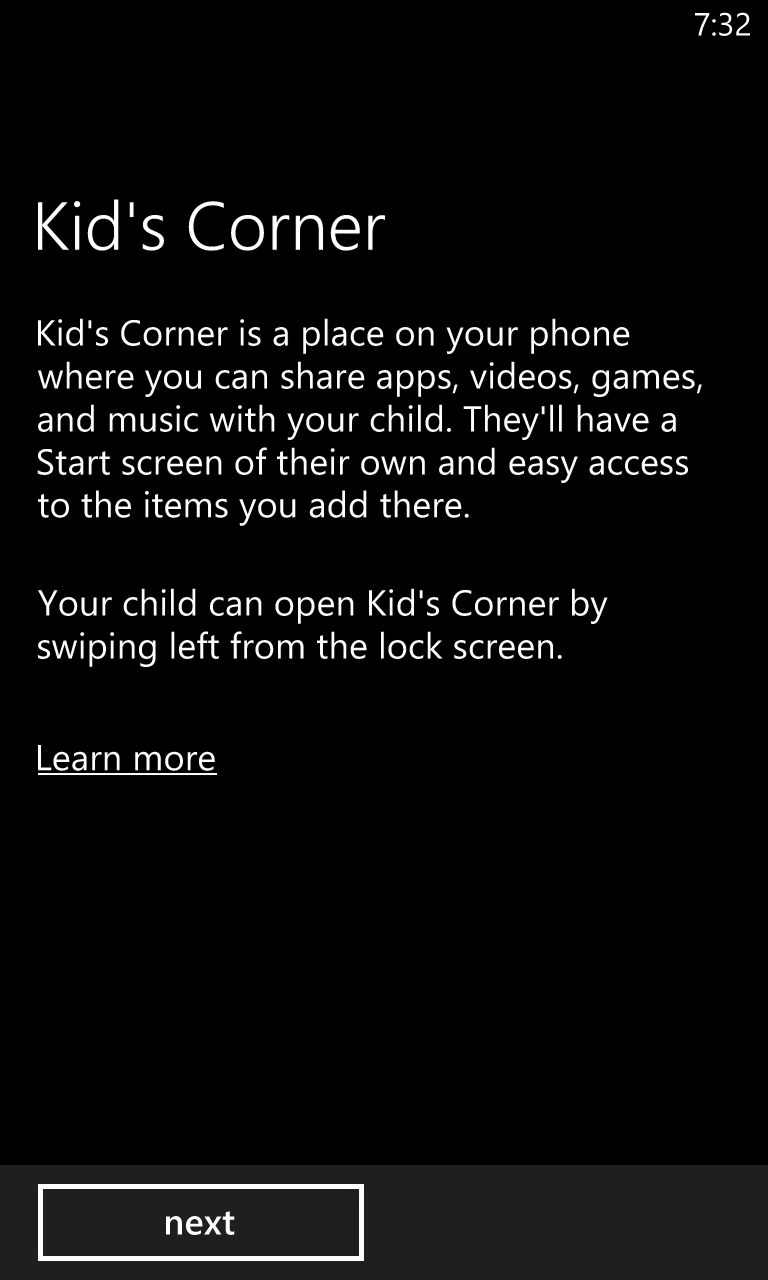
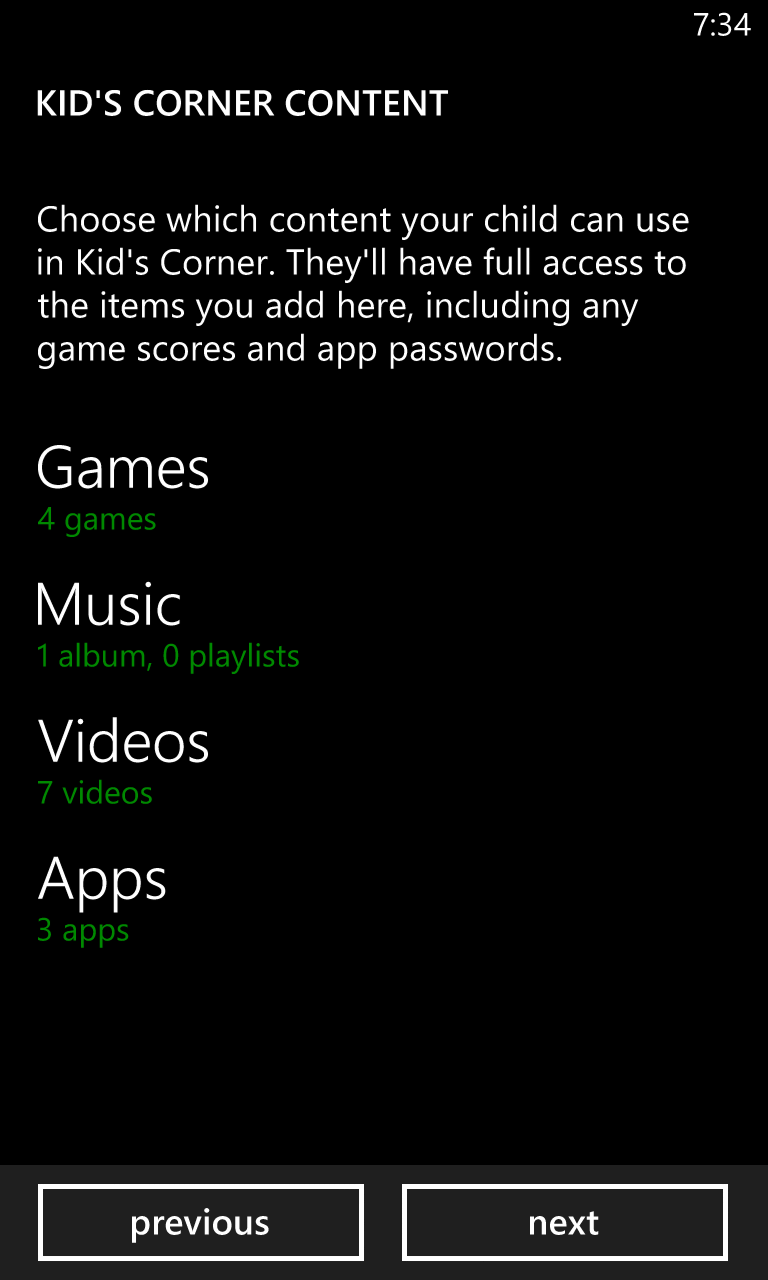
- Kid's corner: the best improvement of WP8 is providing "safe apps" for your kids. Go to "SETTINGS\kid's corner\On", you will see options, including games,music, videos and apps, for selecting adequate contents and apps for your kids. Then, "launch kid's cornet" and "set password". Finally, the home screen becomes the kid's safe playground. When this function was launched, you must input the password to return your phone or just "swipe left" to change to the kid's home screen.
select kid's contents and apps
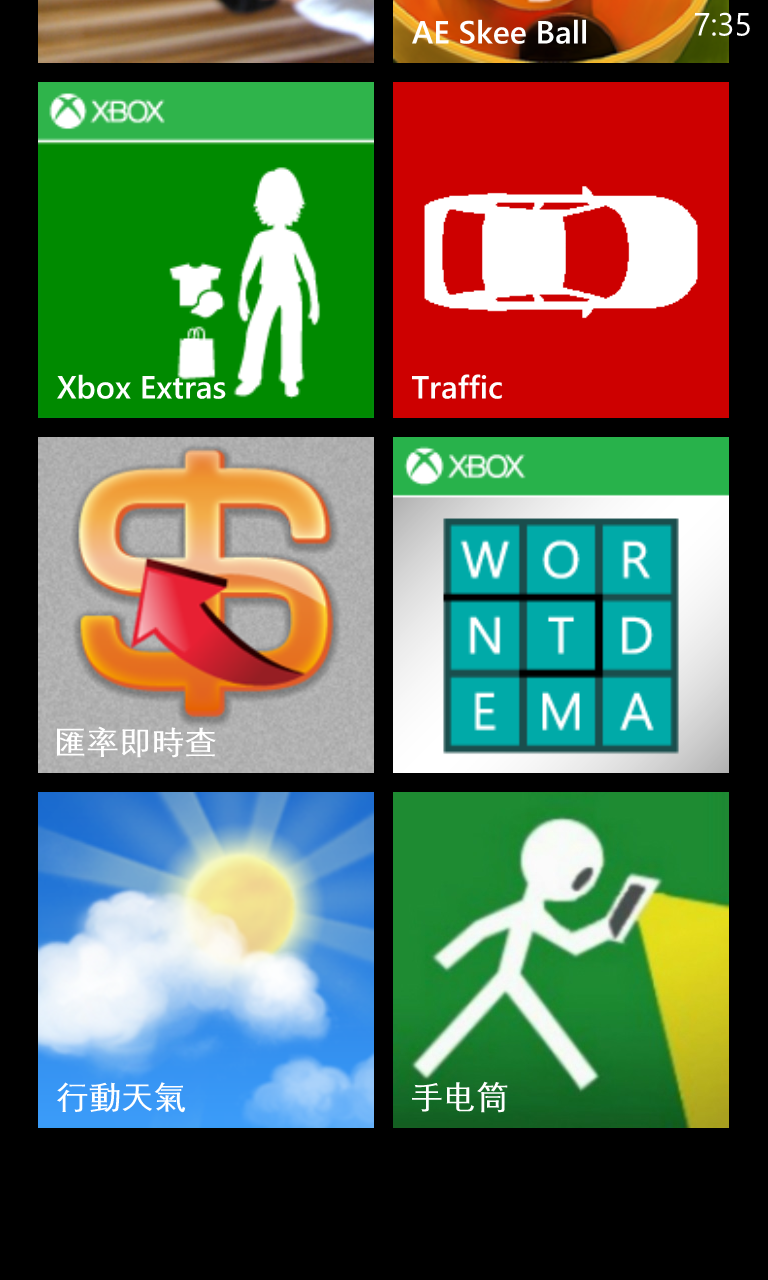
the home screen of kid's corner
the home screen of kid's corner

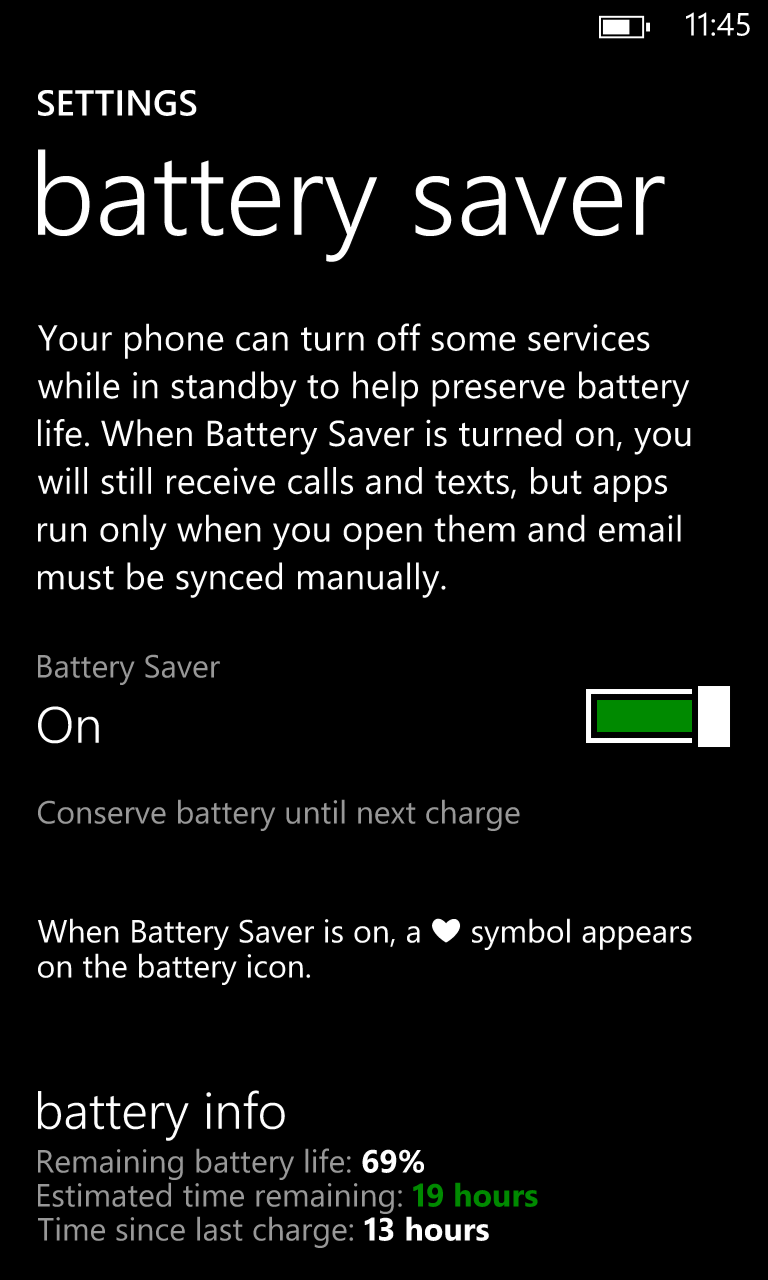
- SETTINGS\battery save: press "advanced" and select "Now until next charge", your phone is smart to save power consumption now.


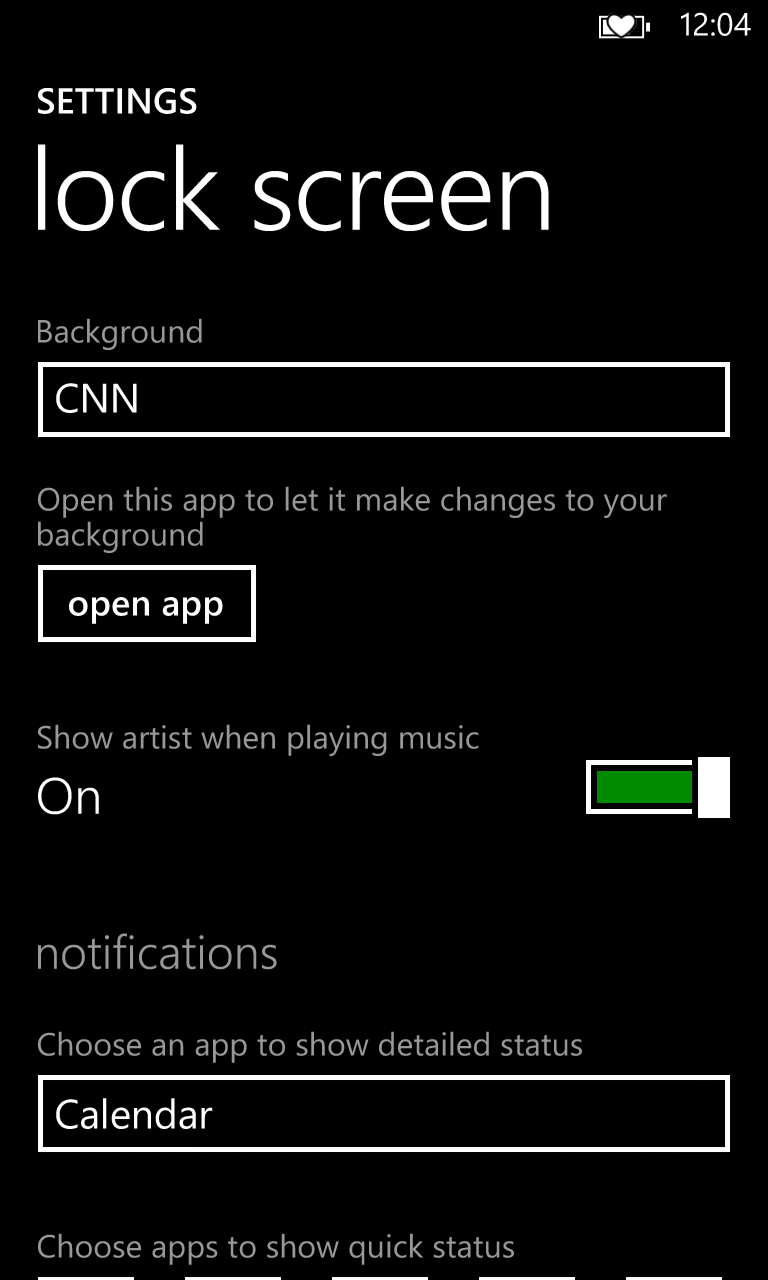
- SETTINGS\lock screen: You can customize your home screen with various apps like Facebook, photo, Bing, etc. Third-party apps can also be set as home so that you can see messages from apps (e.g. CNN) in the home screen. Choose apps to set "quick status" on the home screen.

文章標籤
全站熱搜